


While you sleep.
Start a model task, agent workflow, or creative render before bed. Lucy keeps working on its own compute while you rest.
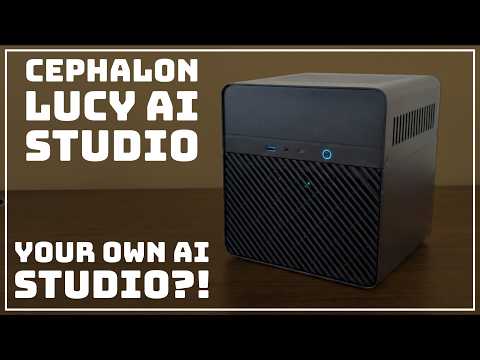
Lucy AI Studio
An always-on computer for AI agents, local models, and private storage.

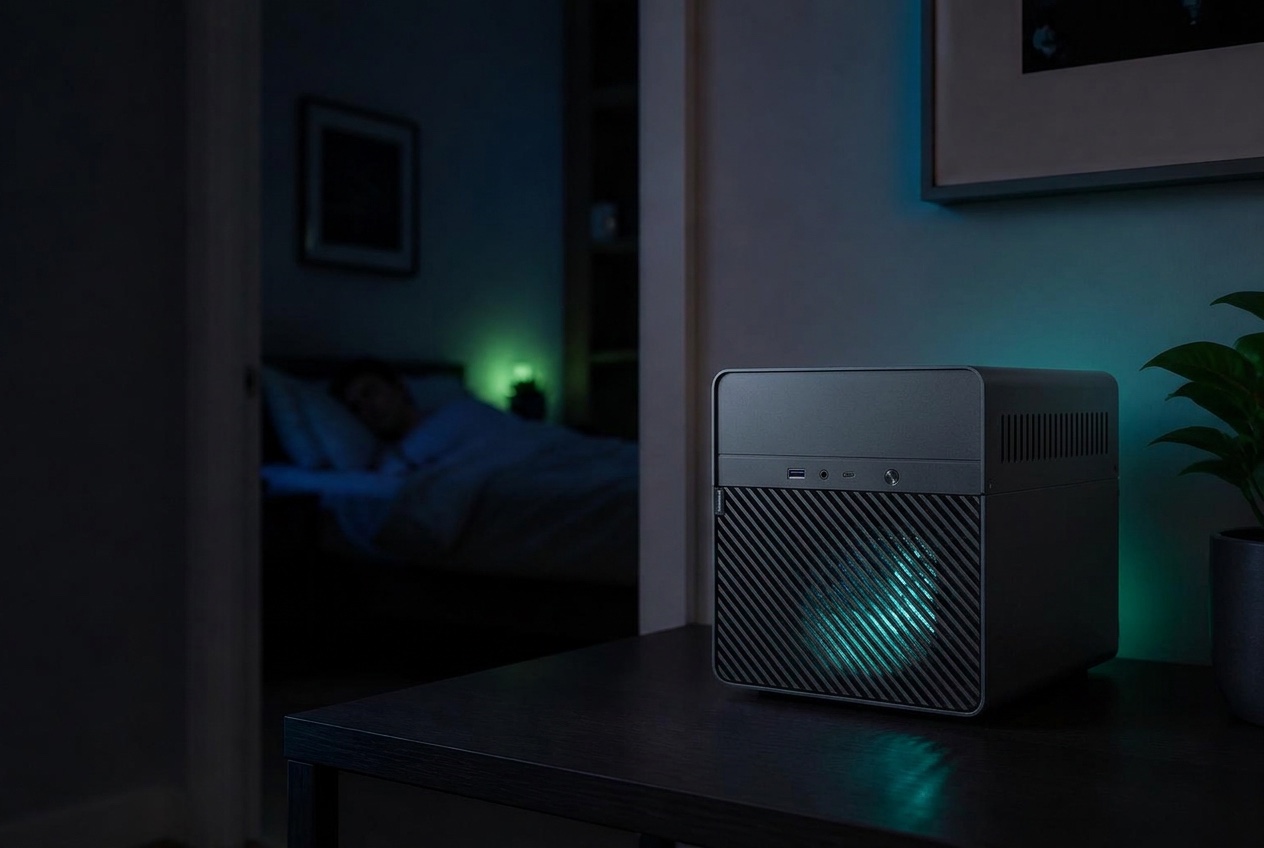
01 / Your desk
Give long-running tasks a machine of their own. Your laptop stays free for the work in front of you, and Lucy keeps your models, agents, and files together.
02 / Lucy
Renders, agent runs, downloads. They keep moving on Lucy’s own compute while your laptop sleeps — pick the result up when you’re back.
Start a model task, agent workflow, or creative render before bed. Lucy keeps working on its own compute while you rest.
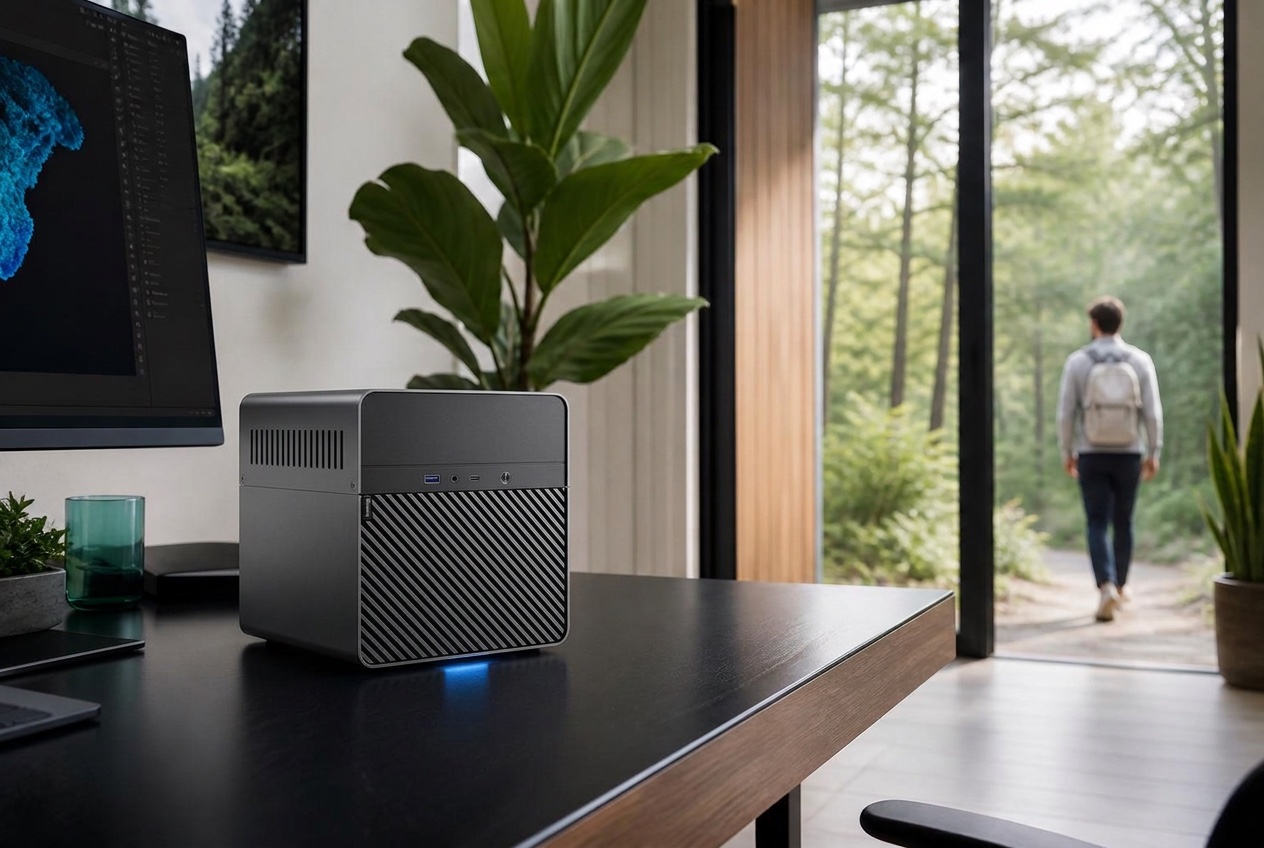
Leave your desk without keeping your laptop tied to a task. Your files, tools, and ongoing work stay together on Lucy at home.
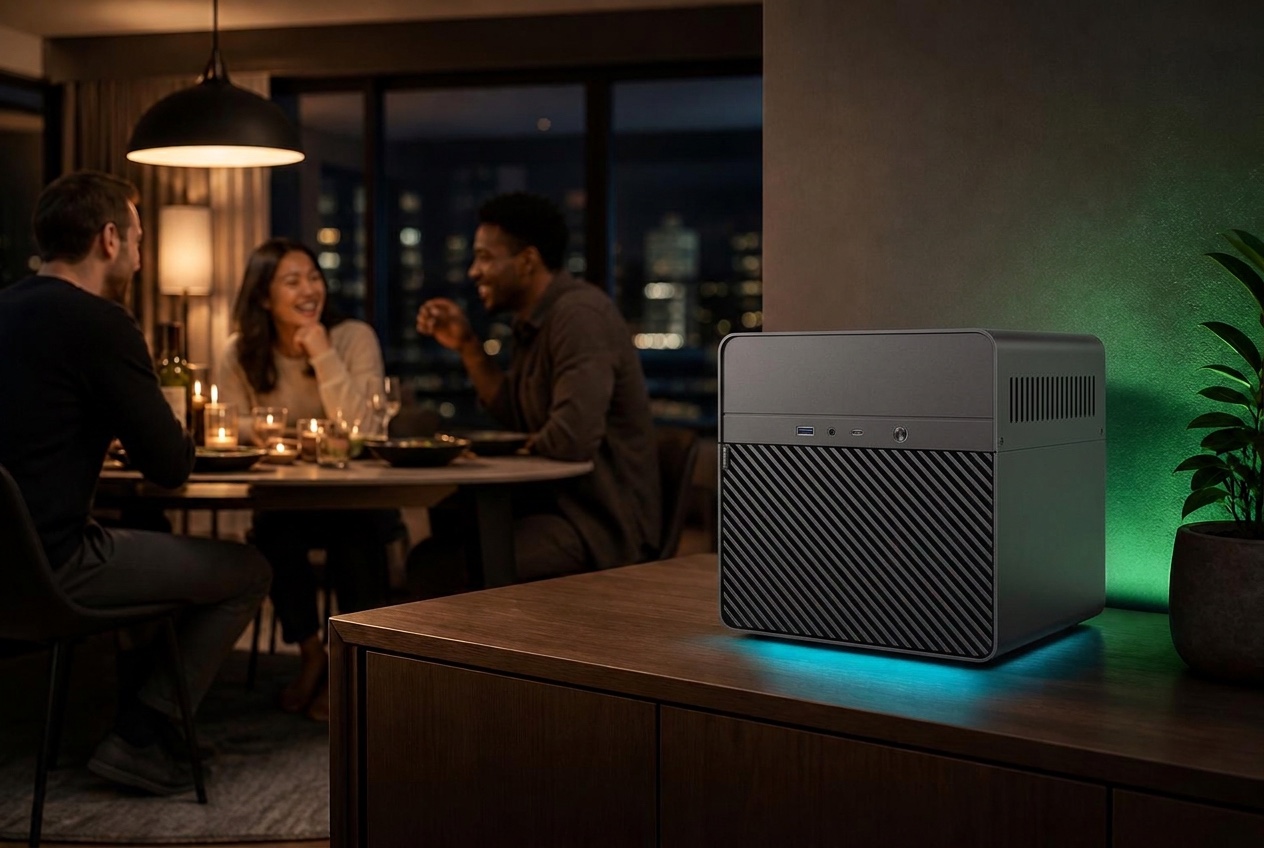
Stay with the people in front of you. Lucy handles background tasks on a separate machine, ready for you to pick up where you left off.

Turn prompts and reference images into images and video with local creative workflows. The film shown is a promotional sample, not a recorded Lucy output.

Work with local models, delegate tasks to agents, and keep the images, videos, and files you create in one workspace.
Start a supported agent task and check its progress while Lucy handles the work at home.
Browse generated images, videos, and project files in a local library, without scattering them across devices.
Build an image or video workflow, then leave the render running on Lucy. Your everyday computer stays free while the work continues.
Keep generated media, project files, and shared content on your own storage. Access your library from devices on your home network.

Review
Read the full feature“I think the Cephalon Lucy AI Studio Max is a fantastic piece of hardware. It’s far more capable than I was expecting it to be.”

Sponsored feature
Read the full feature“The Cephalon Lucy AI Studio isn’t just aimed at AI tinkerers and early adopters. This is a powerful computer system for people who want to do real work for real use cases. It’s designed to empower creators, developers, and enthusiasts who want to make AI a useful part of daily life.”
Creator reviews
Four independent hands-on videos from creators
who put Lucy AI Studio through its paces.
Front-panel ports, high-speed networking, and five drive bays bring compute and storage together in one compact machine.
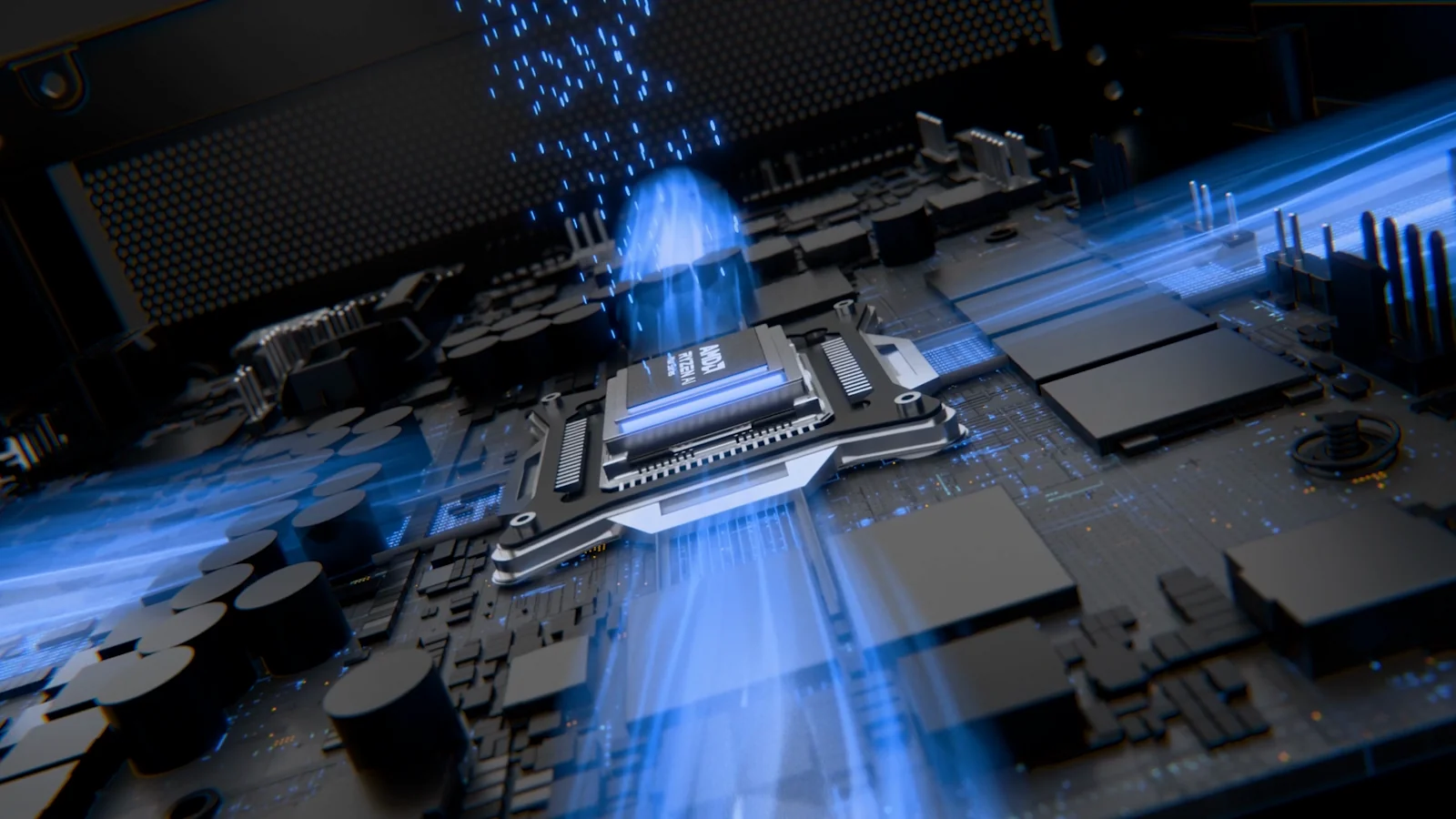
Fans and heatpipes above the motherboard.
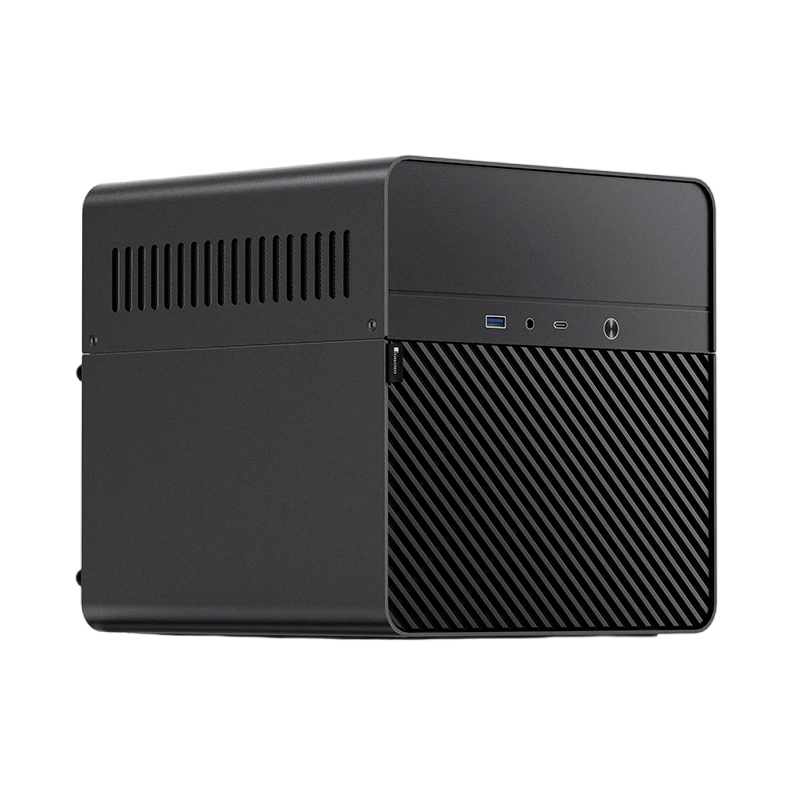
USB-A · USB-C · 3.5 mm audio
Pro: dual 2.5 GbE
Max / Ultra: 10 GbE
Ports vary by model. Reference unit shown.
Five 3.5-inch SATA bays · Up to 100 TBSeparate NVMe system SSD · M.2 up to 8 TB
Drives sold separately.
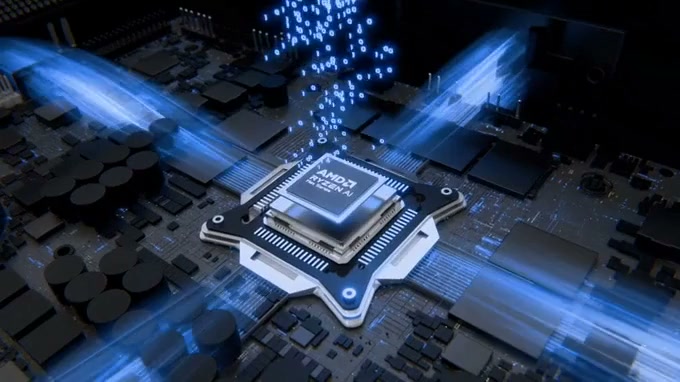
192 GBUltra
128 GBMax
32 GBPro
Confirm specifications with our team. Animation is illustrative, not a benchmark.
Give your projects room to grow, from source
files and documents to generated images and
video. Share them across your local network.
Built for local AI.
Built around Omarchy Linux, Lucy AIOS brings local models, agents, files, and creative tools into one environment. Choose what runs on your machine and give your agents access to the tools they need.
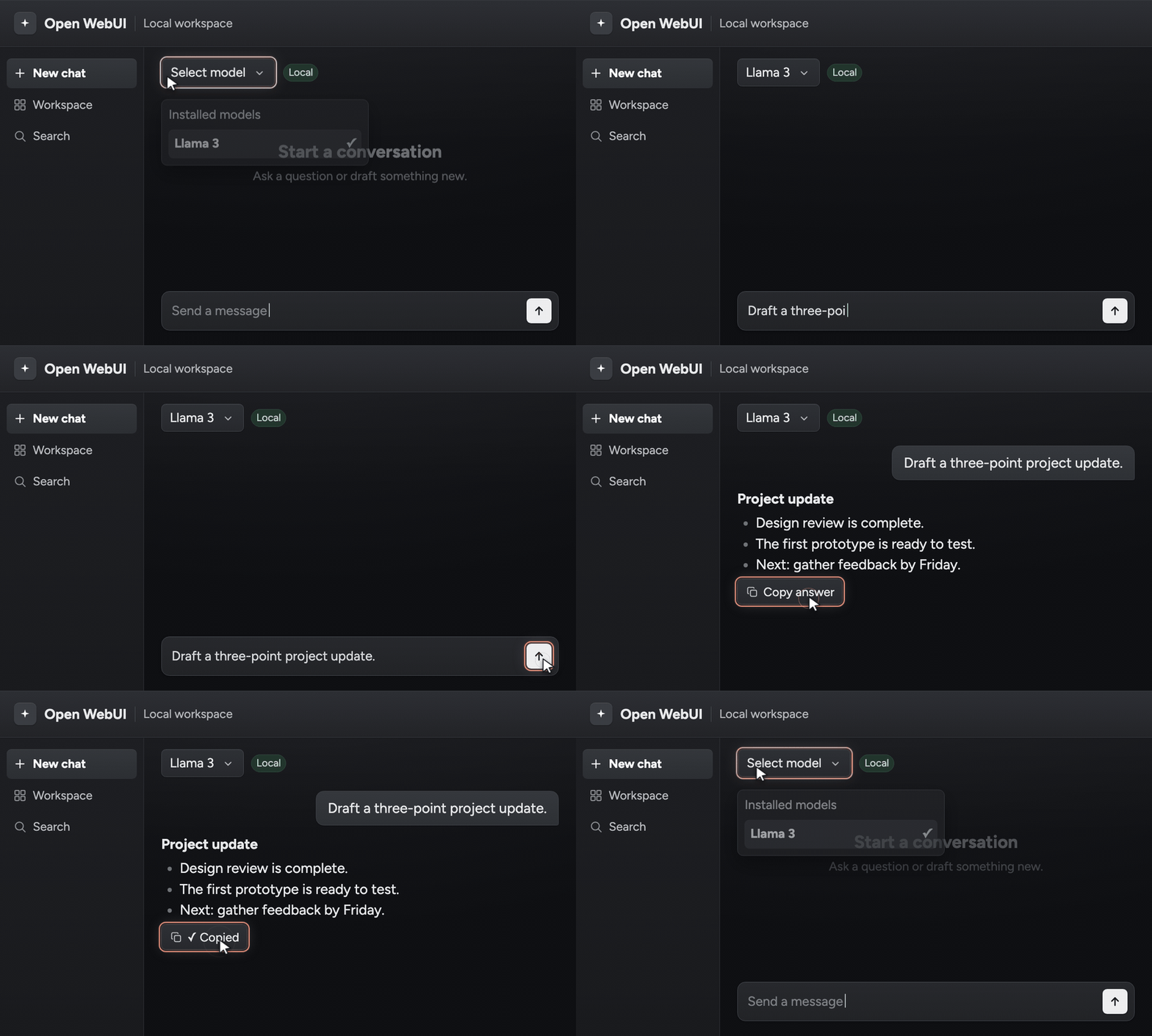
Chat, draft, and work through documents with local models on dedicated compute. Larger memory configurations give you more room for demanding models and workloads.
Lucy AI Studio MaxRyzen AI Max+ 395
128 GB unified memory
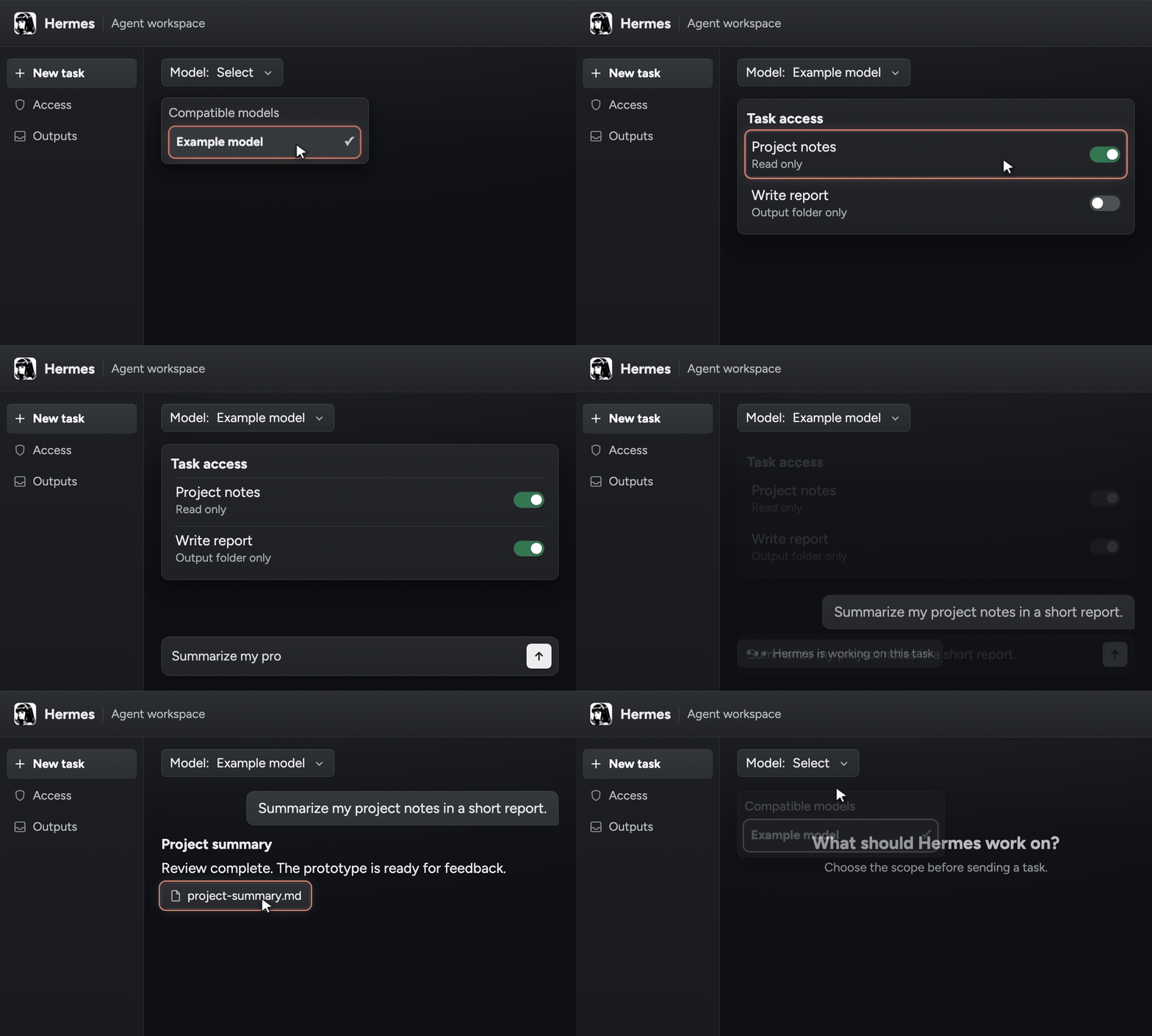
Start with preinstalled Hermes. Give it a goal and authorize the files and tools it needs. Add Claude Code, Codex, or OpenClaw, using compatible local models or supported cloud services.
 Hermes
 Claude Code
 Codex
 OpenClaw
Your command
and flag the open QA issue
Agent
Hermes
Idle
Receiving
Working
Done
Reads files, drafts notes, flags issues
Standing by Reading project files Running the local model Checking the open QA issue 3 steps complete
Output
Waiting for output
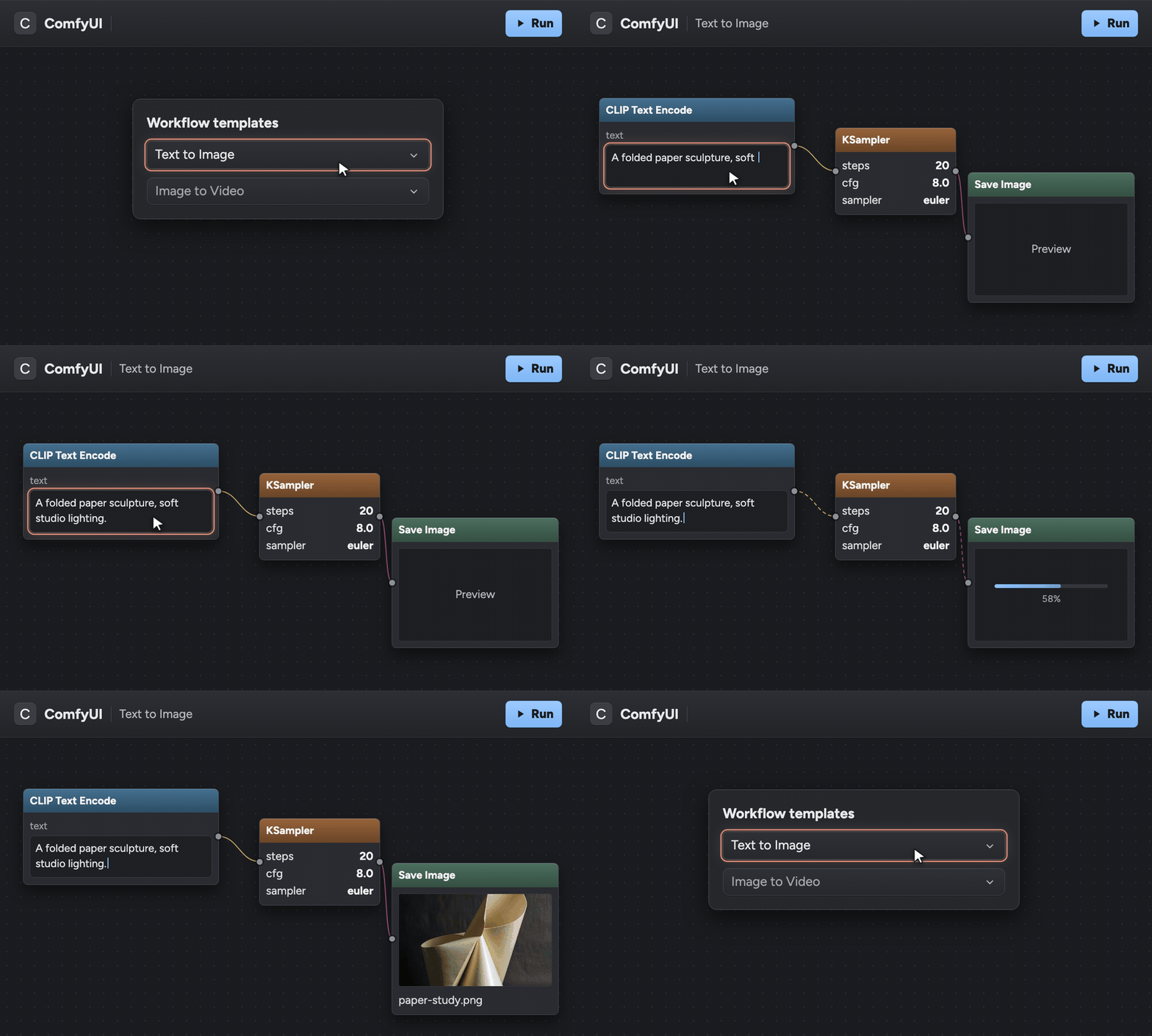
Start with preinstalled ComfyUI, selected models, and prepared workflows. Turn a prompt or reference image into images and video, then refine the result on compute you control.

image_00001_.png · 1024 × 1024 · saved on this machine
Connect power and Ethernet. Open your Setup Card’s tool address from a computer on the same network.
Runs on this machine. Nothing leaves it.
Runs on this machine. Nothing leaves it.
Works only inside the access you grant.
Rendered on this machine, not in the cloud.
Choose the right memory and connectivity for your work.
Lucy Max selected. Contact us for configuration details.
Agents, workflows, and shared files.
32 GB
Local models and creative work.
128 GB
Largest memory for local models.
192 GB
Find answers about Lucy AIOS, local workflows, storage, and support.
An Omarchy-based Linux environment for local models, agents, files, and creative tools.
Models, agents, image and video workflows, and file storage. Compatibility and performance depend on the model, workflow, and hardware configuration.
No. Local workflows can process data on the device. Cloud models and online integrations may send data externally and require accounts or fees.
No. Five SATA bays support up to 100 TB of expansion. Drives are sold separately; usable capacity depends on the drives, formatting, and redundancy.
A one-year warranty covers manufacturing defects and functional issues under normal use, subject to applicable consumer law. Contact our team for terms and support.